
All Samples
UI/UX Design·1 tool · 4 outputs·
Project Management Dashboard
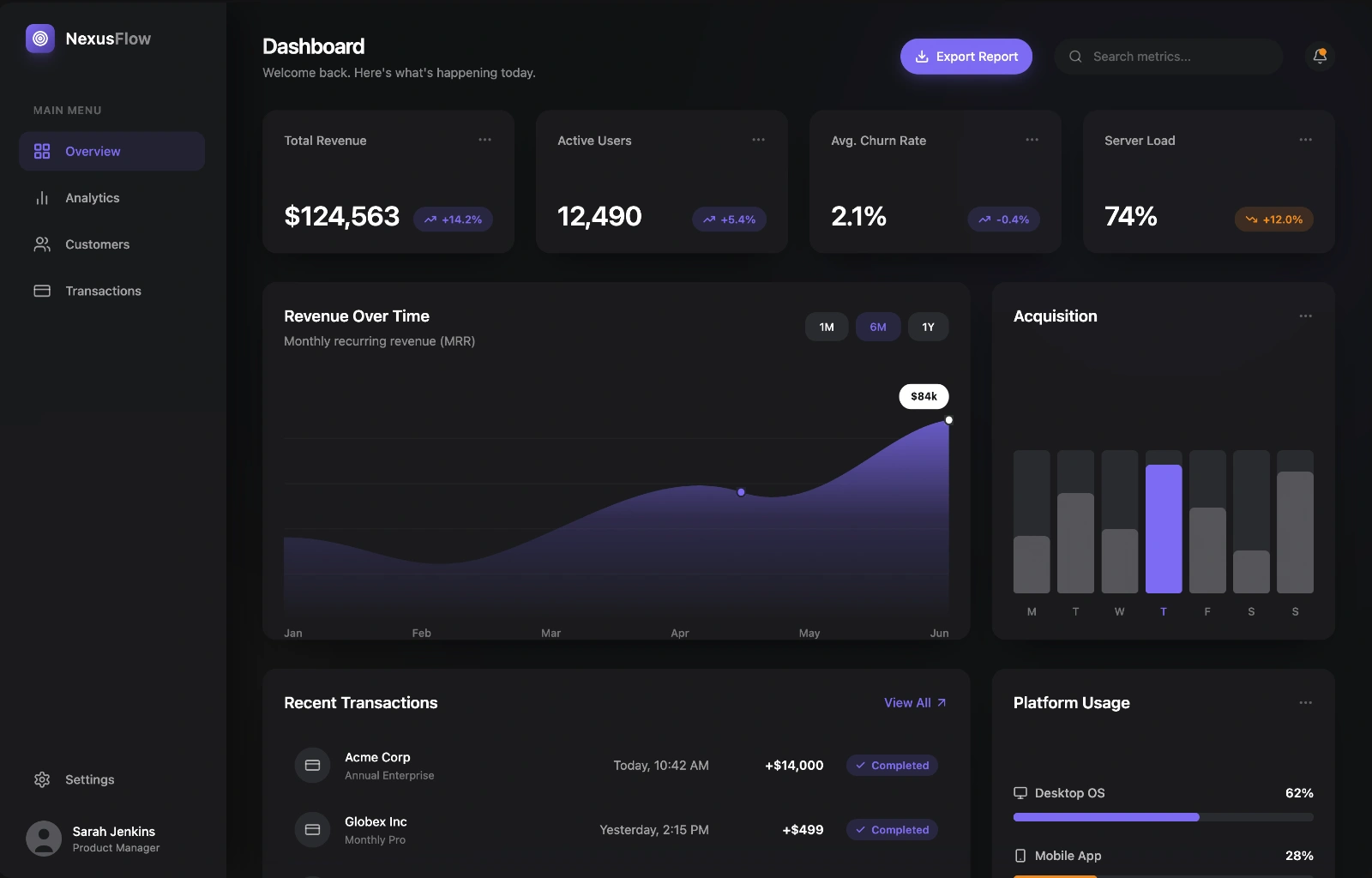
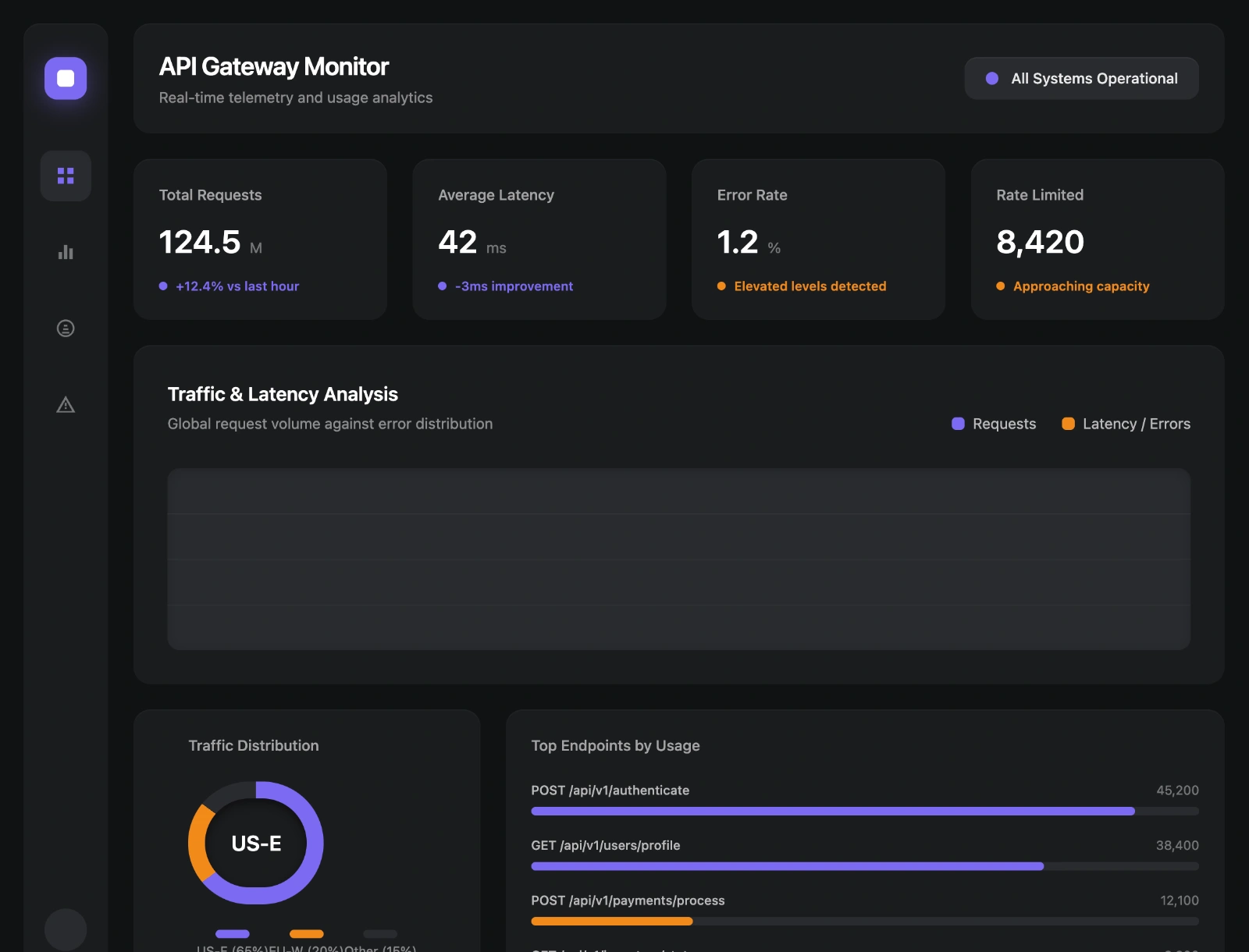
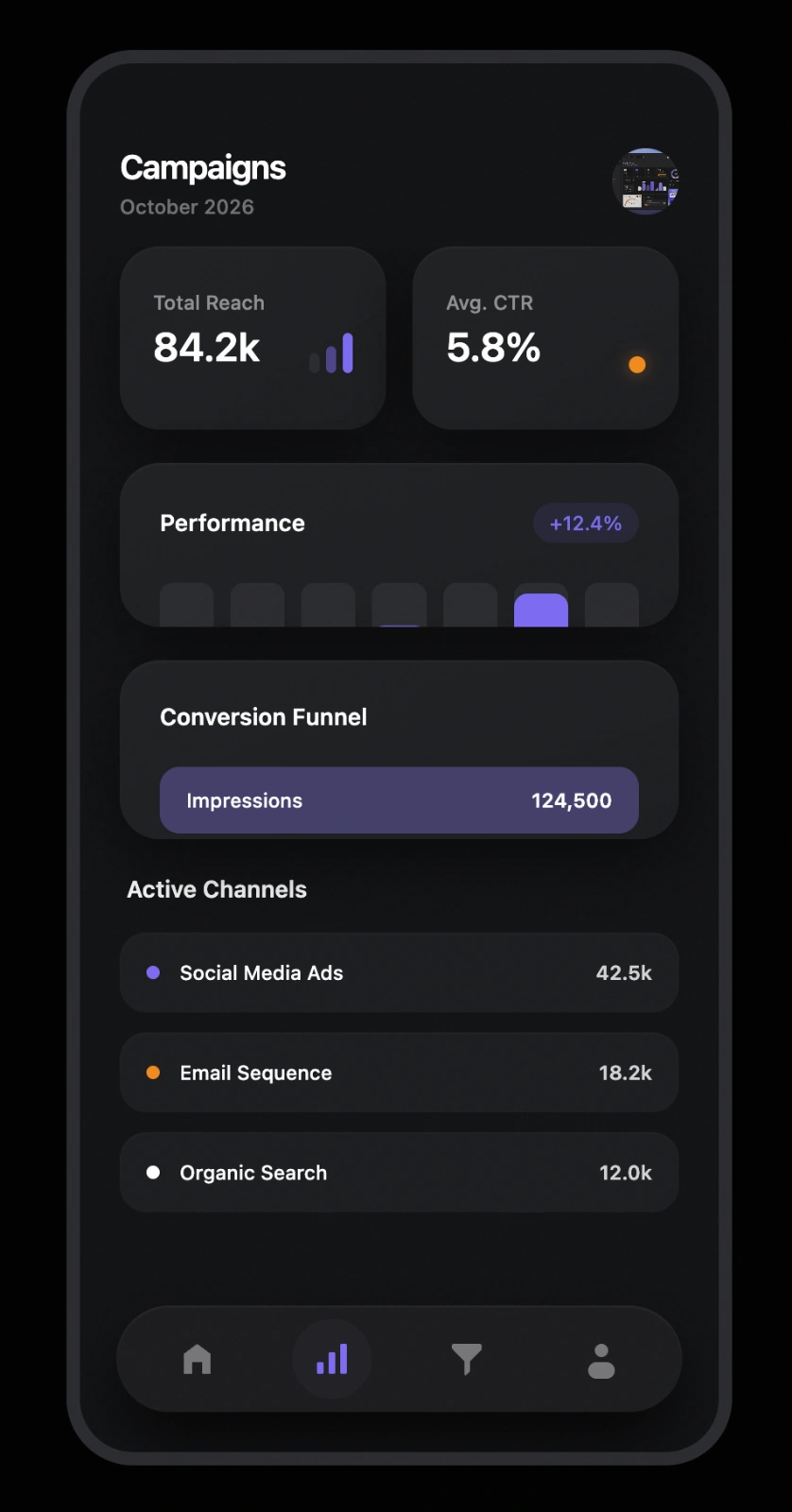
A dark-mode dashboard StyleRef applied to three distinct AI-generated web app screens — from SaaS analytics to API monitoring — all sharing the same glass-effect card aesthetic and purple accent system.StyleRef encodes the visual or tonal style from the source reference into a structured format — reusable across every prompt, every generation.
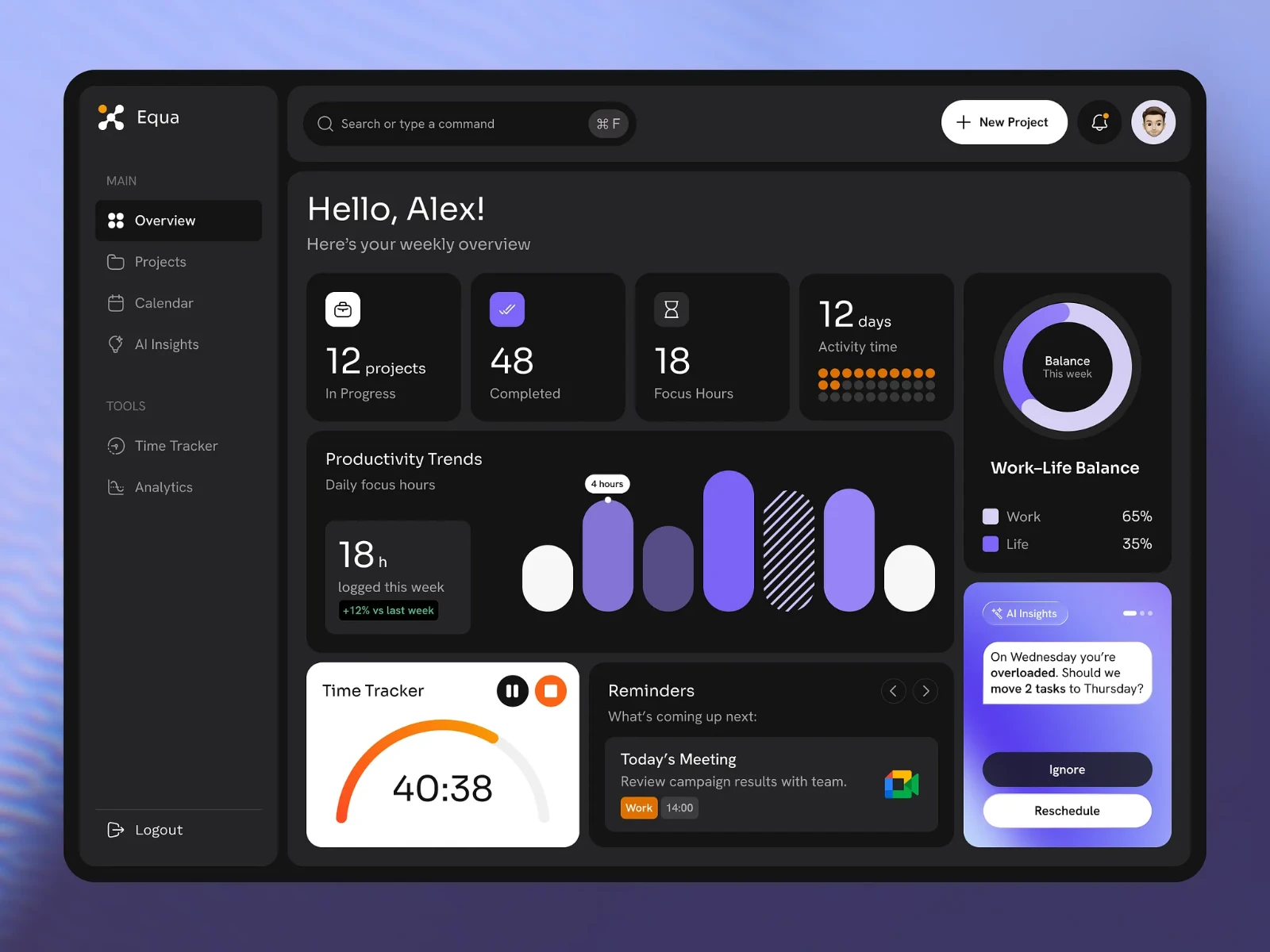
This StyleRef is prepended to every prompt shown below — that's what keeps every output consistent.
03 — AI Outputs
Same StyleRef. Different Prompts. Consistent Results.
Generated with
Gemini
— Web Design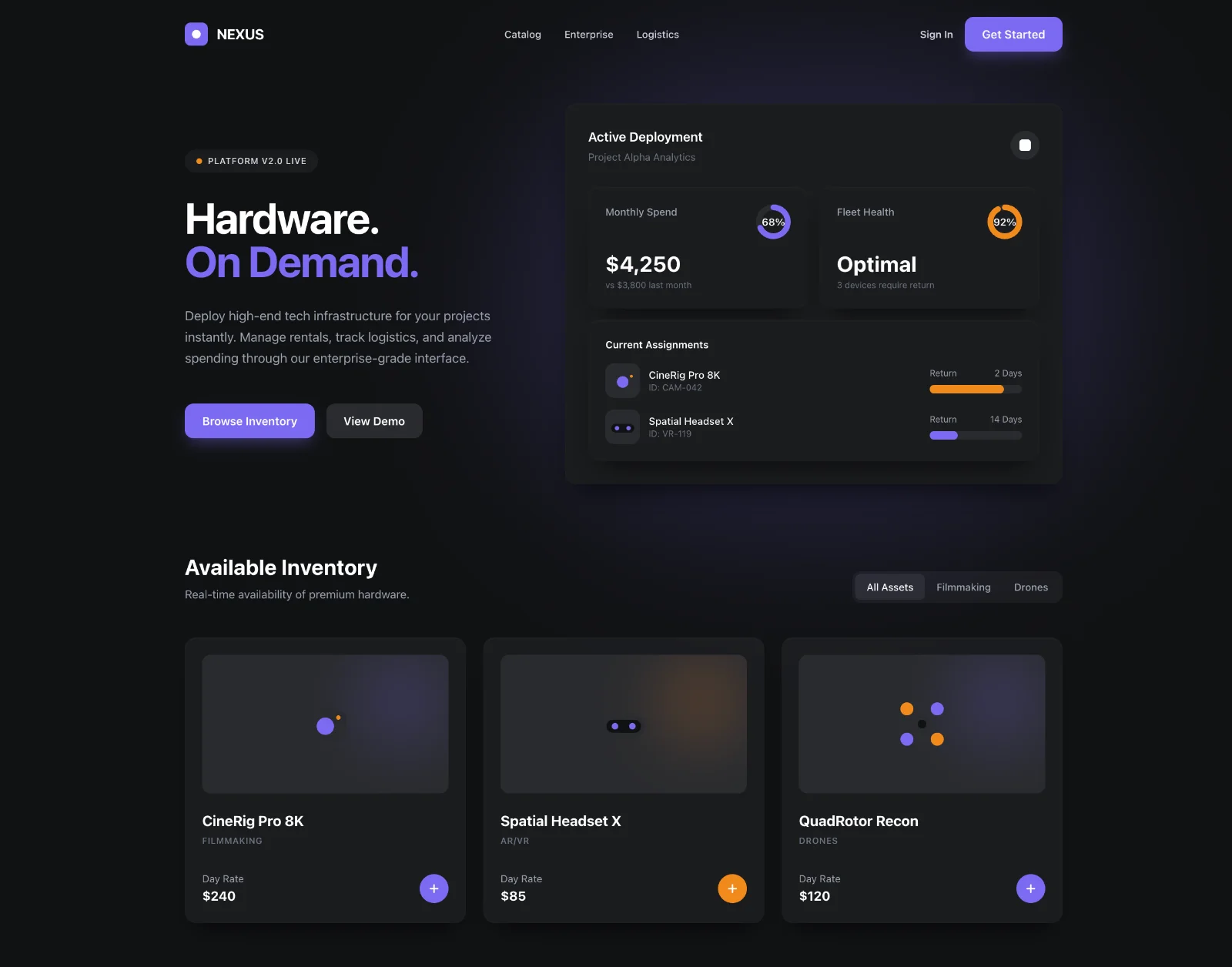
About This Style
The Project Management Dashboard StyleRef shows how a complex UI design aesthetic can be precisely encoded and reproduced across different application contexts — all from a single source reference image.The source is a dark-mode dashboard with glass-effect cards, a purple accent system, and an asymmetric layout hierarchy. Those properties are extracted into structured StyleRef blocks: exact hex values for each surface layer, material simulation (glass), accent color role, typography weight and spacing, shadow treatment, and component rules.Once encoded, the same StyleRef produces a SaaS analytics dashboard, an API monitoring panel, and a mobile marketing view — three completely different screen contexts that still feel like they belong to the same design system. That's the core value: you define the design language once and any AI-generated UI inherits it automatically.This approach is ideal for UI/UX designers, product teams running AI-assisted design sprints, and founders who need consistent visual identity across marketing pages, app screens, and investor materials — without a dedicated design system or component library.
Build a StyleRef for your style
Define it once from your references. Paste it into your AI tool. Get consistent results.Create Your StyleRef — FreeNo account needed© 2026 StyleRef. All rights reserved.