AI Art Direction: Maintaining Visual Consistency Across Generations
Art directing AI image tools requires a different approach than traditional creative direction. Here's how to translate your visual direction into specifications AI can follow.
You've created the perfect image. The problem is you need 20 more that look exactly like it.
Traditional art direction scales through briefs, style guides, and reference boards — tools built for communicating with human creatives who understand nuance. AI image generation requires something different: a specification the model can parse.
AI art direction is the practice of defining and enforcing visual style constraints across AI-generated imagery — ensuring that lighting, color, composition, texture, and mood remain consistent across multiple generations or prompts. Unlike traditional art direction, which guides human creatives through visual briefs, AI art direction works through explicit, machine-readable style specifications.
This is the core challenge for visual professionals — designers, photographers, art directors, brand leads — adopting AI tools. Diffusion models are built to be generative. They produce variation by design. Professional AI art direction consistency demands the opposite: controlled, repeatable visual language across every output.
This post covers how to translate professional art direction into structured specifications that AI models follow reliably — including a 5-step workflow, the five visual dimensions every spec needs, and cross-tool strategies for keeping AI images consistent. If you also work with AI-generated copy, the same principle applies to maintaining a brand voice for AI copy.
Why AI Images Never Look Quite the Same Twice
Diffusion models generate images by sampling from a probability distribution. The same prompt, run twice, produces genuinely different outputs. This is a feature for creative exploration and a problem for production work.
The attributes that vary most between generations are precisely the ones that define a visual identity:
- Lighting — direction, temperature, and intensity shift between runs
- Color palette — saturation levels and hue relationships change unpredictably
- Composition — subject placement, framing, and negative space differ each time
- Texture — detail level oscillates between photographic realism and painterly smoothness
- Mood and atmosphere — the emotional register of the image drifts
What varies least — subject matter, general composition style, broad aesthetic category — matters least for brand consistency.
Adding more detail to your prompt does not solve this. A 200-word prompt describing "warm, editorial, side-lit, slightly desaturated" still gets interpreted with variance. The model decides how to weight competing instructions, and that weighting changes every generation. Consistent AI images require a different approach entirely: explicit technical specifications rather than descriptive prose.
What Professional Art Direction Looks Like (and What Breaks Down for AI)
Professional art direction relies on a proven toolkit: reference boards, visual briefs, style guides, shot lists, and creative briefs. These communicate relative, contextual concepts — "warm and editorial," "clean, airy, minimal grain" — that trained human creatives interpret and execute consistently.
AI models parse language differently. Subtle, evocative art direction language produces wildly inconsistent results. Explicit, technical language produces consistent results. The same phrase that gives a photographer everything they need gives a diffusion model too many degrees of freedom.
Consider "warm and editorial." A cinematographer mentally narrows that to a color temperature range, a lighting setup, a lens choice. To a diffusion model, "warm and editorial" maps to thousands of valid interpretations. Each generation picks a different one.
The solution is translation: convert art direction language into technical specifications with explicit values.
| Art Direction Brief (Human) | AI Style Specification (Machine) |
|---|---|
| "Warm, editorial, natural light" | LIGHTING: Soft directional daylight, color temp 4200K, shadows fill ratio 0.6, no harsh specular |
| "Moody, desaturated palette" | COLOR: Desaturation 40%. Muted earth tones. Value range: no true blacks, no bright whites. Palette: clay, sage, warm gray |
| "Compositionally clean" | COMPOSITION: Subject occupies max 40% of frame. Minimum 25% negative space. No center-framed subjects. |
This translation — from impressionistic to precise — is the core skill of AI art direction. Once you can do it reliably, it applies across every AI image tool and every visual style.
The 5 Dimensions You Need to Define for Consistent AI Art Direction
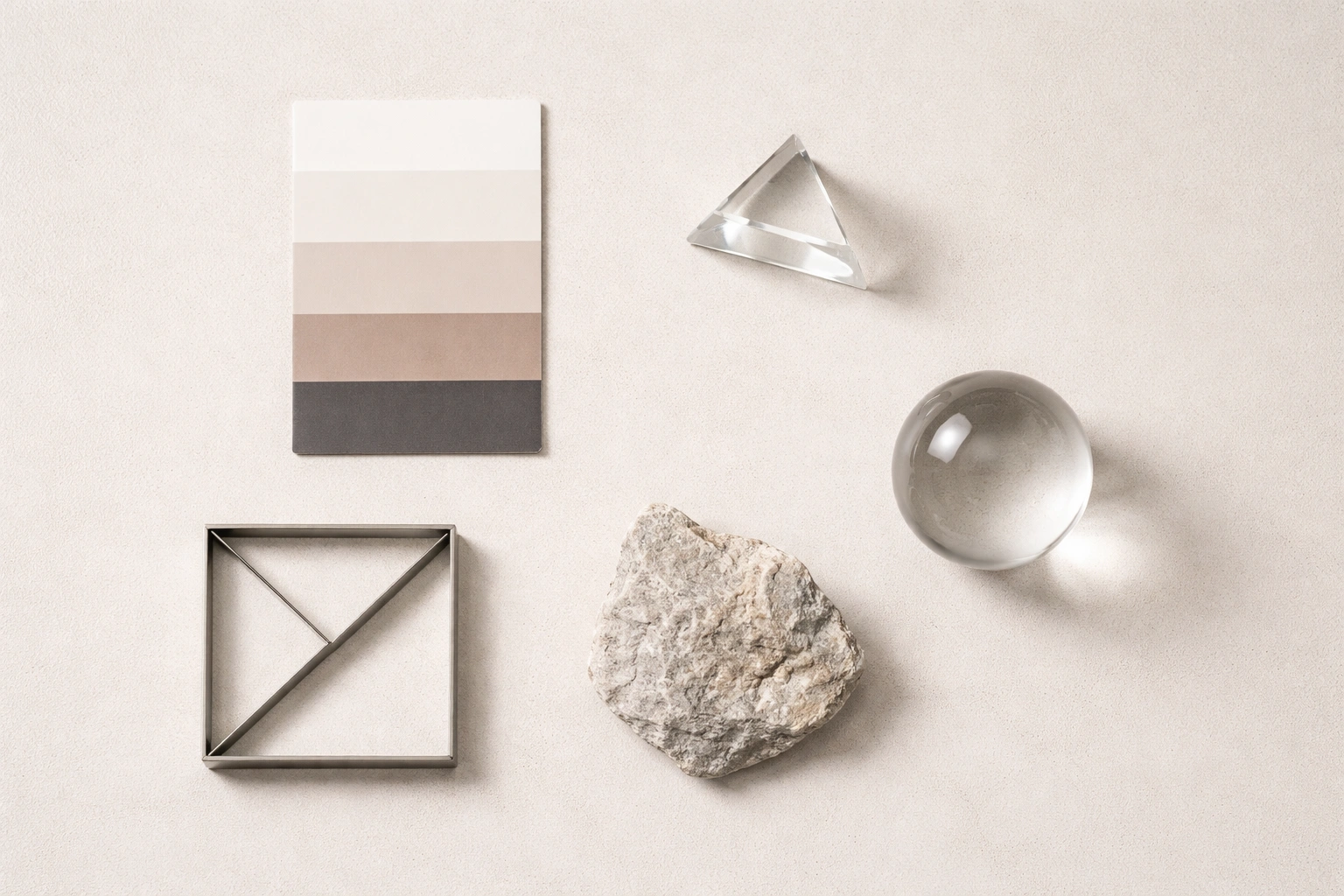
Every AI style guide for image generation should cover five visual dimensions. Defining each one explicitly eliminates the primary sources of drift between generations.
1. Color Palette
Define specific hues, saturation range, value range, and palette relationship (complementary, analogous, monochromatic).
Vague: "Neutral and sophisticated"
Precise: Palette: cool stone gray (#8E9090), warm ivory (#F0EDE6), occasional deep navy accent (#1A2035). Avoid warm reds and bright yellows entirely.
2. Lighting
Define direction (front, side, back, top), quality (soft/diffuse vs. hard/specular), temperature (warm/cool in Kelvin), and intensity ratio (key:fill).
Vague: "Cinematic lighting"
Precise: LIGHTING: Hard side light from left at 45°. High contrast ratio 4:1. Cool color temperature 5600K. Deep shadow preservation — do not fill shadows.
3. Composition
Define subject placement, framing rules, negative space usage, perspective, and aspect ratio.
Vague: "Balanced composition"
Precise: COMPOSITION: Subjects placed on left or right third. Minimum 30% negative space above subject. Eye-level perspective. Never centered.
4. Texture and Material
Define surface quality, detail level, and key material aesthetics.
Vague: "Clean and minimal"
Precise: TEXTURE: High-resolution photographic texture. Visible material surface quality. No painterly strokes. No AI-smooth skin — preserve natural texture.
5. Mood and Atmosphere
Define energy level, emotional resonance, and environmental atmosphere.
Vague: "Evocative and moody"
Precise: ATMOSPHERE: Low-energy, contemplative. Subtle environmental haze in backgrounds. High depth of field contrast: sharp foreground, soft background. No saturated highlights.
For each dimension, notice the pattern: the vague version gives the AI room to interpret freely; the precise version constrains it. The precise version also includes negative instructions — what to avoid — which are often more reliable than positive ones for keeping AI images consistent.
You can see how these five dimensions work together in practice in the Dark Glass Dashboard style, where color, composition, and texture specifications produce a cohesive visual system across multiple outputs.
A 5-Step AI Art Direction Workflow for Visual Professionals
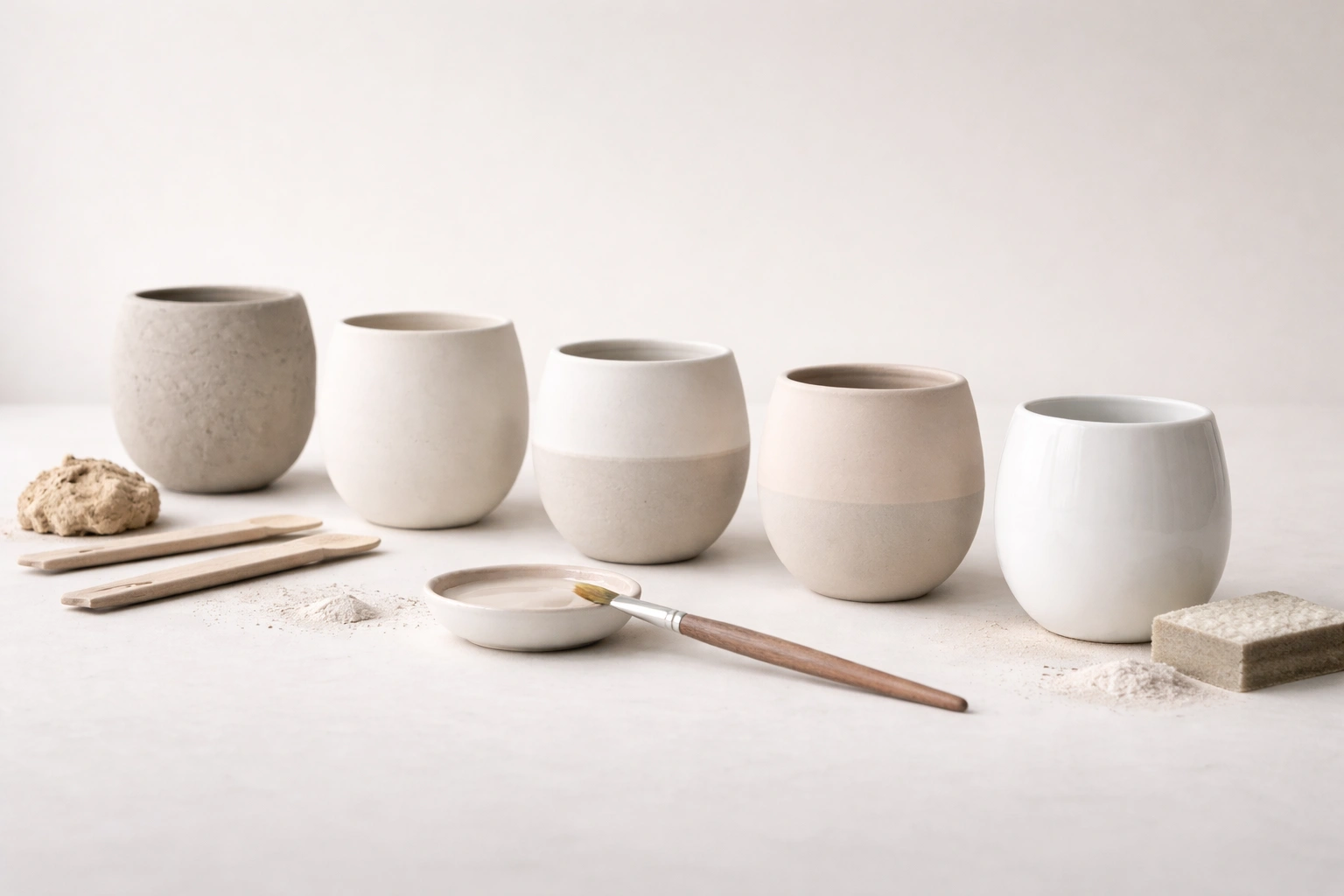
How to maintain AI art direction consistency: Define your visual ground truth from 3-5 reference images, extract the technical specifications for color, lighting, composition, texture, and mood, write explicit rules with negative constraints, structure the spec as a reusable prompt prefix, and review quarterly for style drift.
Step 1: Define Your Visual Ground Truth
Choose 3-5 existing images that represent your target aesthetic at its best. These become your art direction source of truth — every specification you write should be derivable from them. Use your own work, reference photography, or existing brand assets. The key criterion: if a new image matched the visual attributes of these references, it would belong in the same project.
Step 2: Analyze and Extract the Specifications
For each reference image, systematically describe all five visual dimensions: color palette, lighting, composition, texture, and mood. The goal is to articulate what makes these images look the way they do — with technical precision, not impressionistic language.
If you use StyleRef, this step is automated: upload the reference images and the AI extraction analyzes each dimension, structures the output into labeled blocks, and gives you an editable art direction spec. See a live example: the Japanese kokeshi doll StyleRef.
Step 3: Write Explicit Rules — Especially Negative Ones
Translate your analysis into technical language using the pattern from the translation table above. For every positive rule, add the corresponding negative constraint:
LIGHTING: Side light, hard quality // NEVER: overhead, flat, or fill-dominated lighting
Negative constraints are often more reliable than positive ones. AI models respect "never do X" more consistently than "always do Y." Build your spec with both.
Step 4: Build a Prompt Prefix Architecture
Structure your spec as a prompt prefix — a block of text that precedes every generation prompt. Format it as a clear constraint block:
## VISUAL STYLE — HARD CONSTRAINT

[Color palette section]
[Lighting section]
[Composition section]
[Texture section]
[Mood section]
Test it: run 5 different subject prompts with the same prefix. If the outputs share the same visual language — consistent palette, matching lighting quality, coherent mood — the spec works. If one dimension drifts, tighten that section's constraints.
Step 5: Maintain Your Spec as It Evolves
Creative direction evolves. A spec from six months ago may not match your current aesthetic. Review quarterly: run 3-5 new generations through the spec and check for drift against your ground truth images. When you refine your style, update the spec directly rather than adding ad-hoc prompt modifications that fragment your visual system.
This is exactly the workflow StyleRef automates — from image analysis to structured specification to cross-tool portability. Build your visual style spec in 60 seconds →
Using the Same Visual Direction in Midjourney, FLUX, and DALL-E
A text-based style specification has one critical advantage over tool-specific features like Midjourney's --sref parameter: portability. --sref only works within Midjourney. A structured text spec works in any model that accepts text input.
Midjourney: Paste the spec as a prompt prefix, then append Midjourney-specific parameters (--ar 16:9 --style raw --v 6). For Midjourney-specific techniques (--sref, style tuner), the text spec and --sref complement each other — use both for maximum control.
FLUX: Paste the spec directly into your prompt. FLUX's language comprehension handles explicit visual specifications particularly well, making it one of the strongest models for AI art direction consistency. See our guide on FLUX consistent style for model-specific optimization techniques.
DALL-E (ChatGPT): Paste the spec before your generation request in the chat message. ChatGPT's image generation respects structured constraint blocks, especially when formatted with clear section headers and explicit values.
The Team and Campaign Use Case
Multi-platform visual campaigns need the same aesthetic across images generated by different tools — or by different team members using different tools. A shared style specification solves this. One spec, distributed to every designer on the project, ensures consistent outputs regardless of which AI tool each person prefers.
This is where AI visual consistency becomes an operational concern, not just a creative one. Without a shared spec, every team member interprets the brief differently, and every AI tool adds its own interpretive variance on top. The drift compounds.
StyleRef's share links make distribution practical: create the spec once, share the link, and any collaborator can copy the full specification into their preferred tool. No reformatting, no tool-specific translation, no version confusion.
Frequently Asked Questions
Can I replace my creative brief with a style specification?
A style specification works best as the technical complement to a creative brief, not a replacement. The creative brief explains the why — campaign goal, target audience, emotional intent. The style specification answers the how — specifically enough that an AI model can execute it consistently. In professional AI workflows, the spec is often more operationally useful day-to-day than the full brief, but both serve distinct purposes.
How do I art direct AI for a brand that doesn't have an established visual style yet?
Start with references. Collect 10-15 images from anywhere — photography, editorial, cinema, design work — that represent the aesthetic direction you want to build toward. Extract the technical attributes from those images across all five dimensions. Build your spec from that extraction. The process of writing a structured spec often clarifies the visual direction more precisely than a mood board alone, because it forces you to articulate why an image looks the way it does.
What's the difference between art direction and image generation?
Image generation produces individual images. Art direction is the system that ensures those images belong to the same visual world — consistent palette, lighting, composition logic, and atmosphere. AI models handle image generation well. They have no inherent capability for art direction without explicit instruction via a style specification. Art directing AI means providing that instruction in a format the model can parse reliably.
How do I handle art direction for animated or video content generated by AI?
The same five dimensions apply, with additional considerations: temporal consistency (how style holds across frames), motion characteristics (fast/slow, smooth/staccato), and environmental persistence (lighting that remains consistent as the camera moves). Tools like Runway and Sora accept text descriptions that can include style specifications. Write the same type of constraint block, then add motion-specific rules: MOTION: Slow, deliberate camera movement. No jump cuts. Consistent color grade across all frames.
I use a Midjourney style reference image. Is that the same as a style specification?
Similar purpose, different mechanism. A Midjourney --sref image lets the model infer stylistic qualities visually — effective for broad aesthetic transfer within Midjourney. A text-based style specification defines those qualities explicitly, which is more reliable for specific technical constraints and works across any AI tool that accepts text. For most professional art directing AI workflows, a text spec with an optional visual reference produces the most consistent results. The text spec also documents the style in human-readable form, which matters for team communication and long-term brand management.
Build Your AI Art Direction Spec
AI art direction is a translation problem. The shift for visual professionals: from evocative language that inspires human creatives to precise specifications that constrain machine generation. Define the five visual dimensions — color, lighting, composition, texture, mood — with explicit values and negative constraints, and your AI outputs will maintain the visual consistency that professional work demands.
StyleRef automates the hardest part of this workflow: analyzing reference images and translating their visual attributes into a structured, portable art direction spec that works across every AI tool.